You may raise a support ticket if you’re facing technical challenges such as:
- Login failures or session timeouts
- Inability to access knowledgebase articles
- Problems navigating the Tradeshift interface
- Any system bugs
Note: Support tickets are not intended for business or billing inquiries. These should be addressed directly through your usual contacts.
How to Submit a Support Ticket
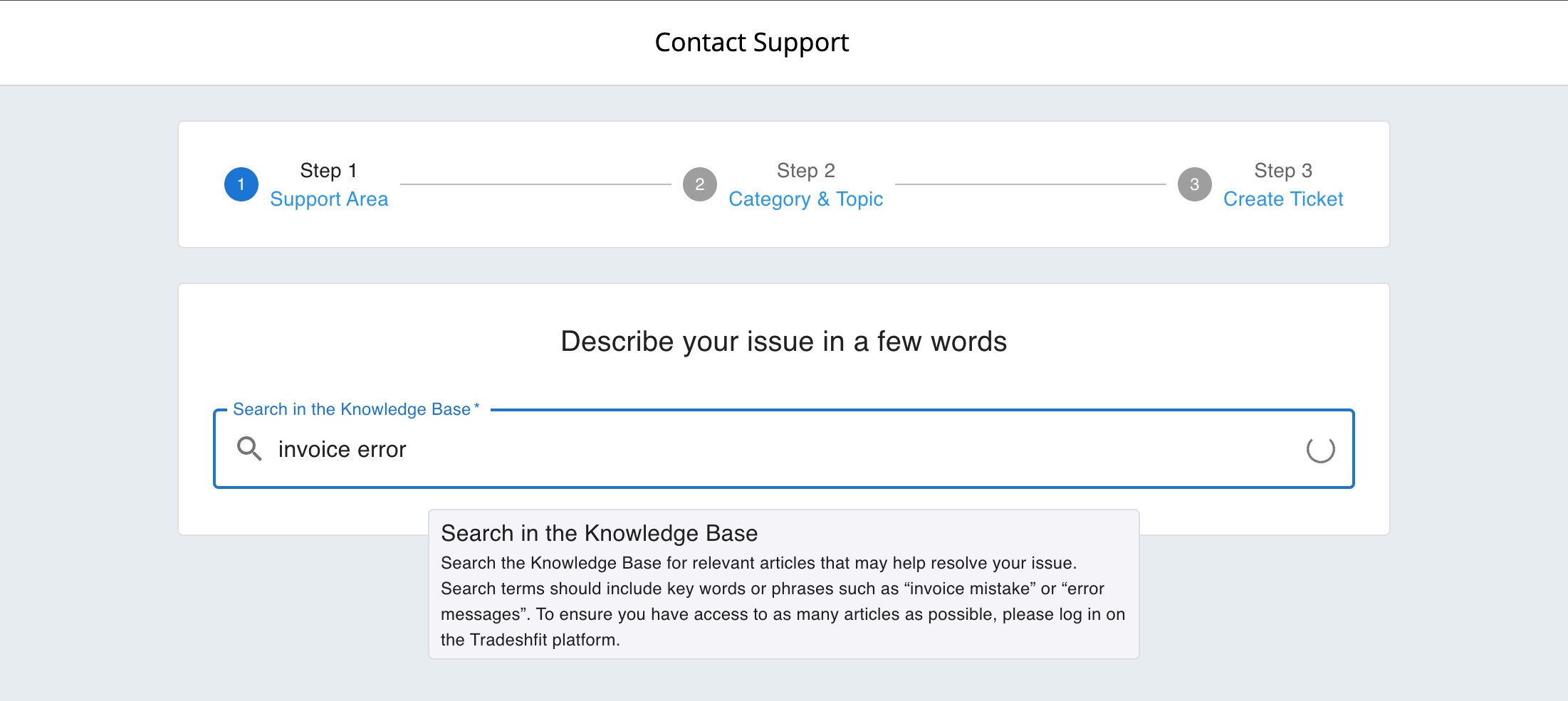
Generate a support ticket through the Support Center application.
-
To generate a support ticket, open the ‘Support Center’ application.
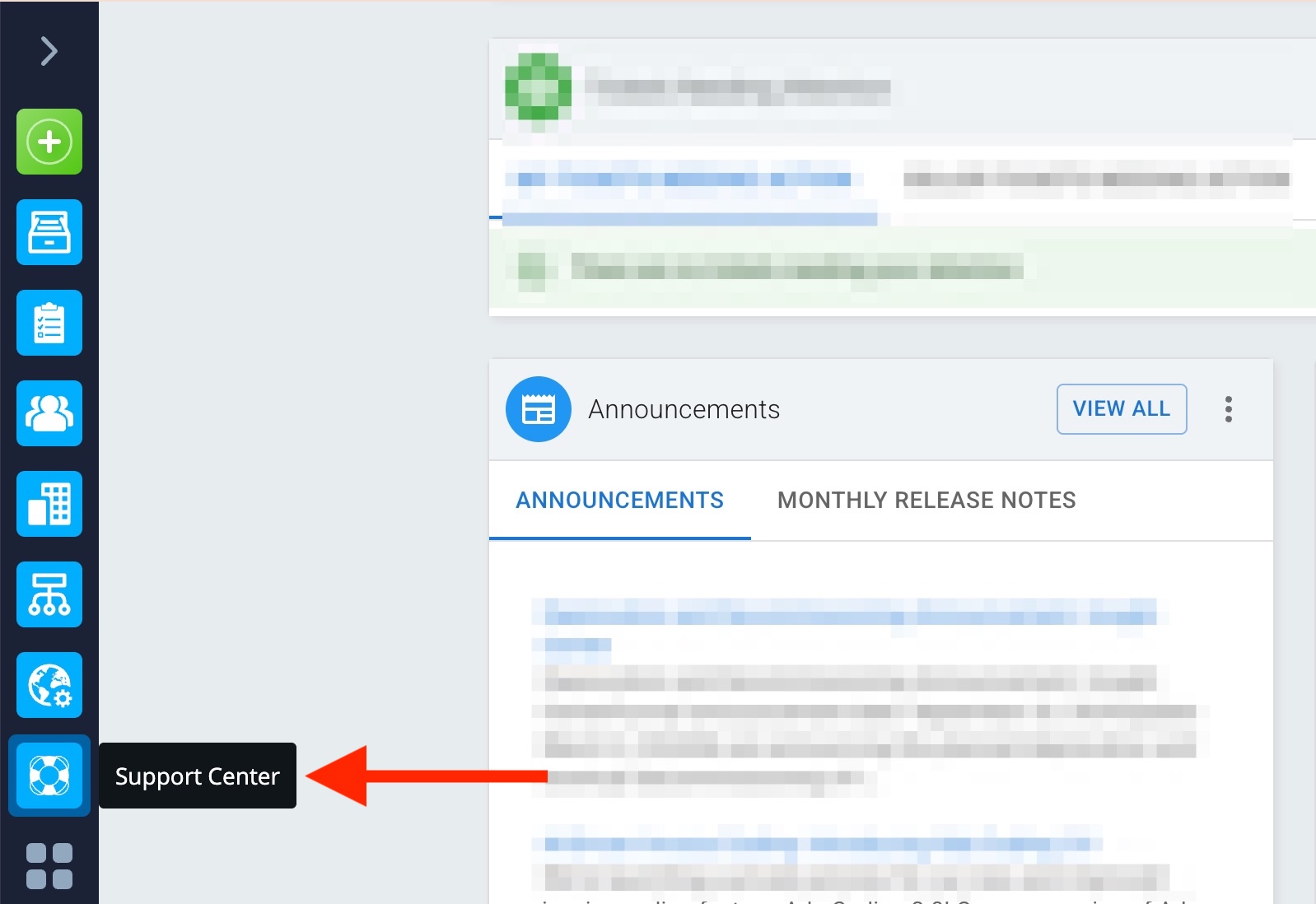
- You will be redirected to the relevant page; click on the "Contact Support' button.

Note: We recommend logging into the Tradeshift platform before creating a support ticket. Doing so allows you to view your previously submitted tickets and provides access to a broader selection of support articles and categories for more accurate request classification.
- Upon clicking the Support button, you will be directed to a new page that allows you to search the relevant Knowledge Base. This page displays articles that may help address your inquiry.
- Use the search bar to look for articles related to your question.
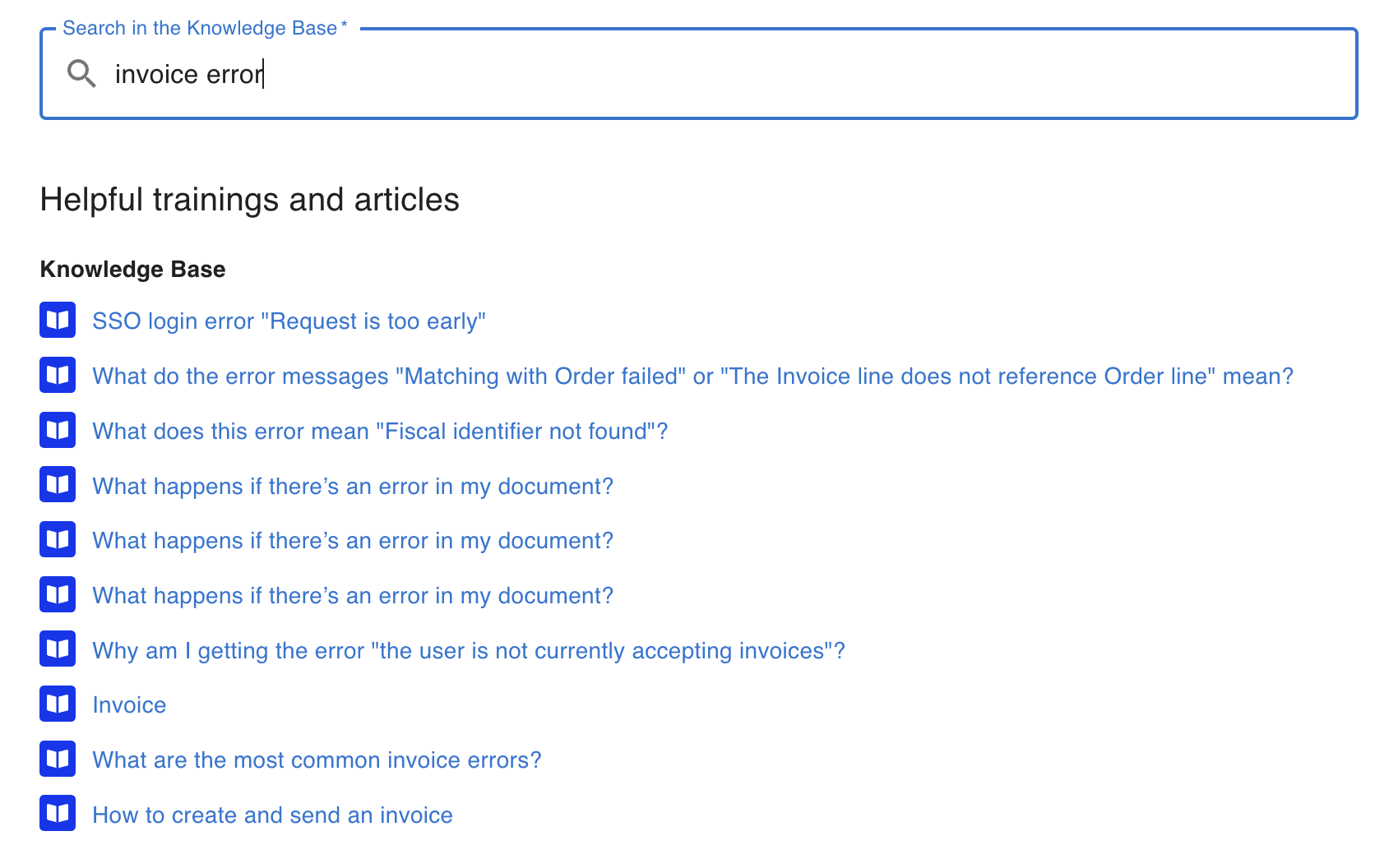
Support Ticket Submission Process
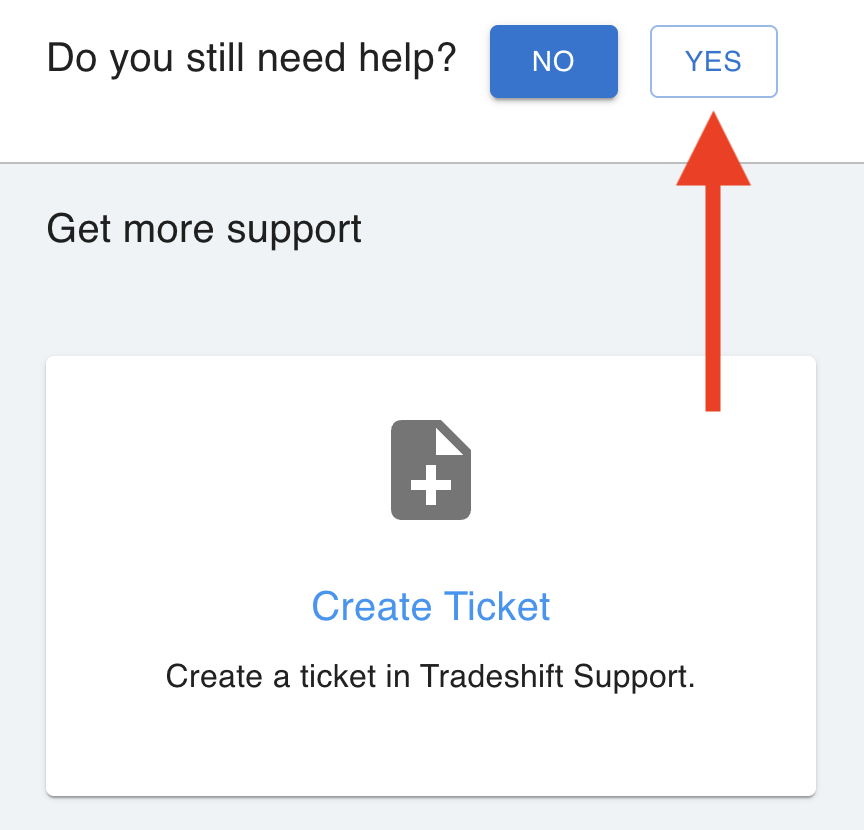
- If none of the articles resolve your issue, select 'Yes' to proceed with the ticket creation process.
- You will be prompted to select a category for your request. First, choose the appropriate category. Each category contains multiple topics. Select the topic most relevant to your issue.
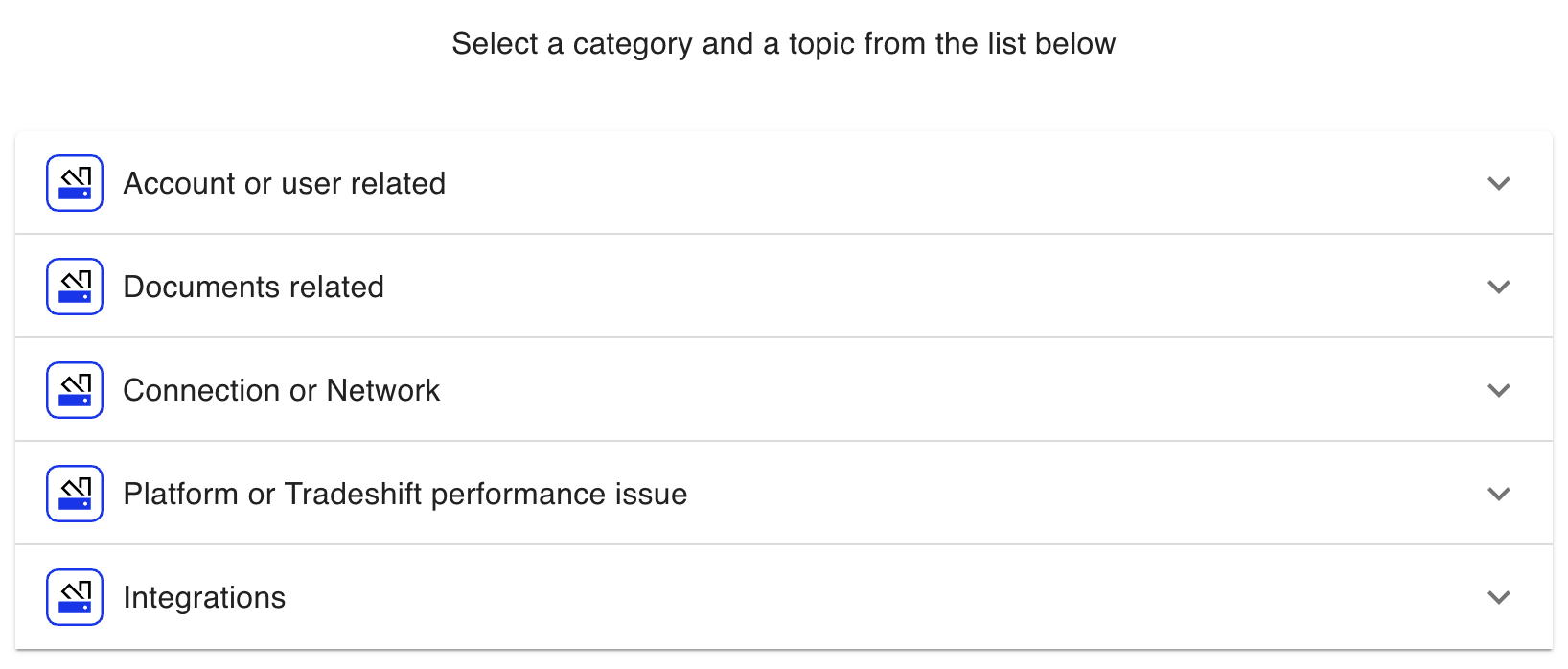
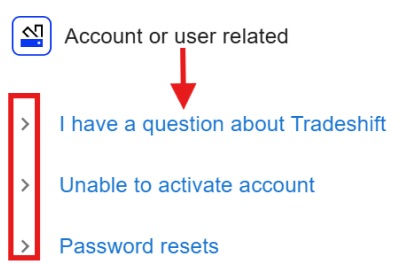
- You will then be redirected to the final step of the ticket creation process, where you will need to provide details regarding your issue.
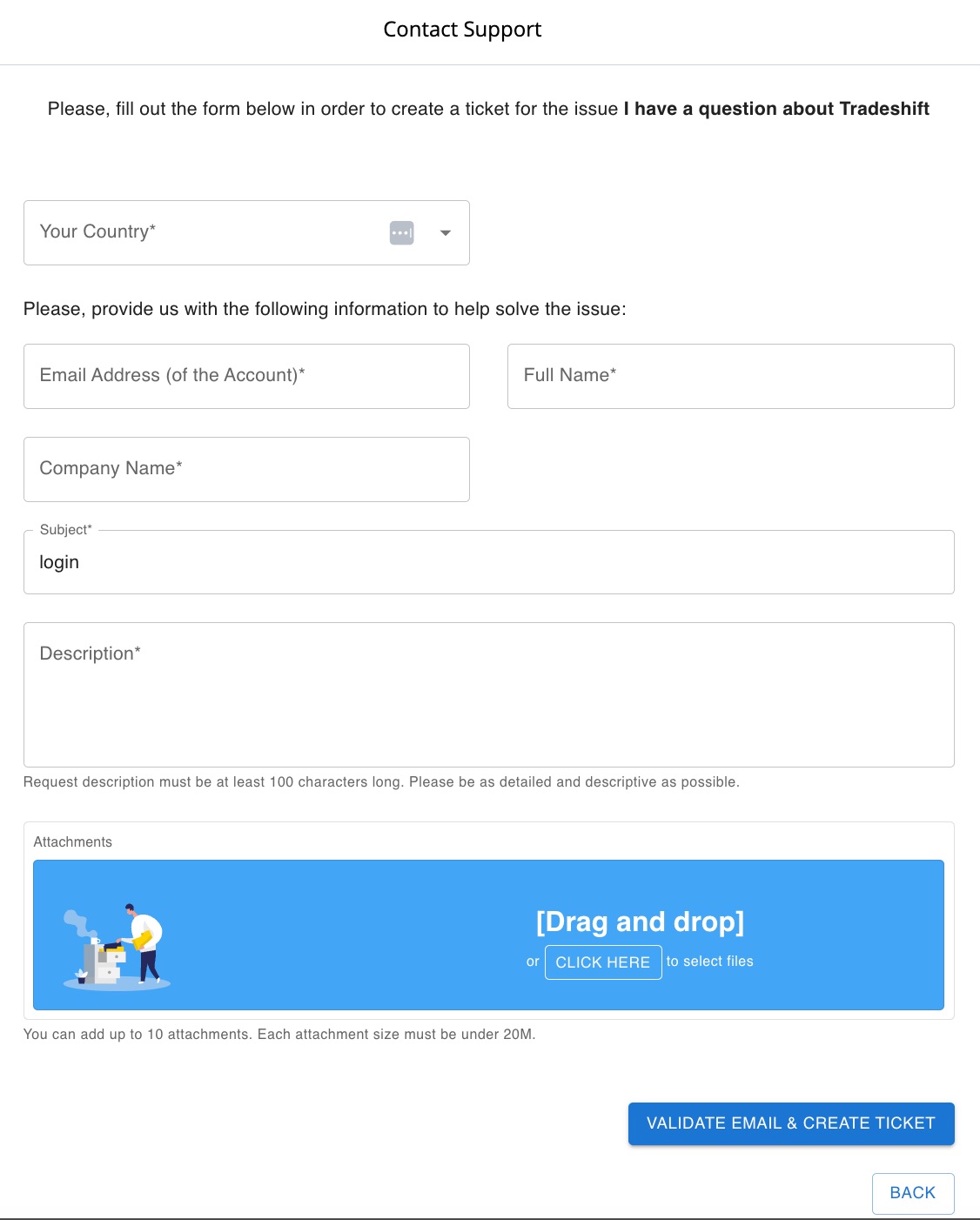
- Complete all required fields accurately:
- Subject: At least 10 characters describing your issue.
- Description: Minimum of 100 characters detailing the problem clearly and concisely.
- Attachments: Up to 10 files (under 20 MB each).
- Confirm that all necessary fields are completed. Accept the terms acknowledging data submission to the appropriate support ticketing system. Once completed, click the 'Create Ticket' button. You will receive updates via email regarding the status of your request.
Video Tutorial
We also have a video tutorial about how to raise a support ticket, available here.
Note: Tradeshift is a platform that facilitates the exchange of documents. If you query related to payment issues, you should reach out to World Courier directly.